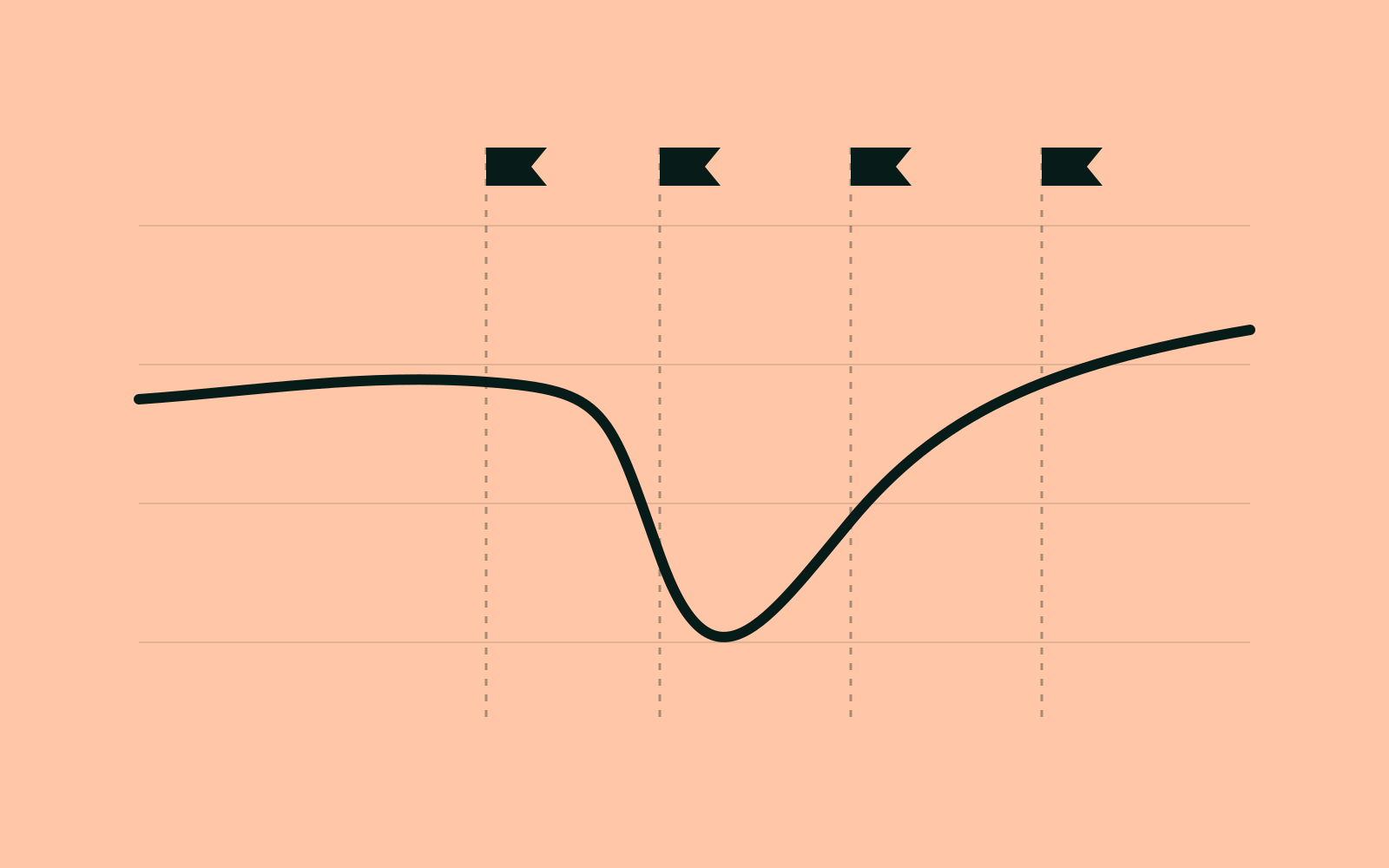
Ask a client whether search is growing and they'll look at total clicks. Total clicks blend two very different audiences: people who already know the brand and type its name, and people who found you because you answered their question. Only the second group tells you whether your SEO work is paying off.
1. Why blended totals mislead
A TV campaign or a product launch can lift branded searches by 40% in a week. Blended clicks rise, the SEO report looks great, and nobody notices that non-branded clicks fell over the same period. The reverse happens too: a quiet quarter for brand marketing makes strong SEO work look flat.
2. A starting regex set
Most brands need three patterns: the plain name, common misspellings and compound product terms. Start broad, then review the queries it catches.
larkfield
larkfeild|larkfiled|lark field
larkfield\s?(goods|dashboards|login|pricing)- Match case-insensitively and treat spaces as optional.
- Include product names that only your customers search for.
- Exclude generic words that happen to contain your name.
3. Review the edge cases monthly
New products, campaigns and competitor comparisons create new branded queries. A query like "larkfield vs looker" is branded, but the person typing it is still choosing. We tag comparisons as their own group so they don't inflate either side.
| Query | Group | Why |
|---|---|---|
| larkfield login | Branded | Existing customer |
| larkfield vs looker | Comparison | Still evaluating |
| product analytics tool | Non-branded | Problem-led discovery |
4. Put the split at the top of the report
Lead with non-branded clicks and their change. Show branded below it with a note on any campaigns that ran. Clients learn quickly which number reflects your work.
In QueryDeck, branded rules live in the keyword cloud and apply to every chart and export.