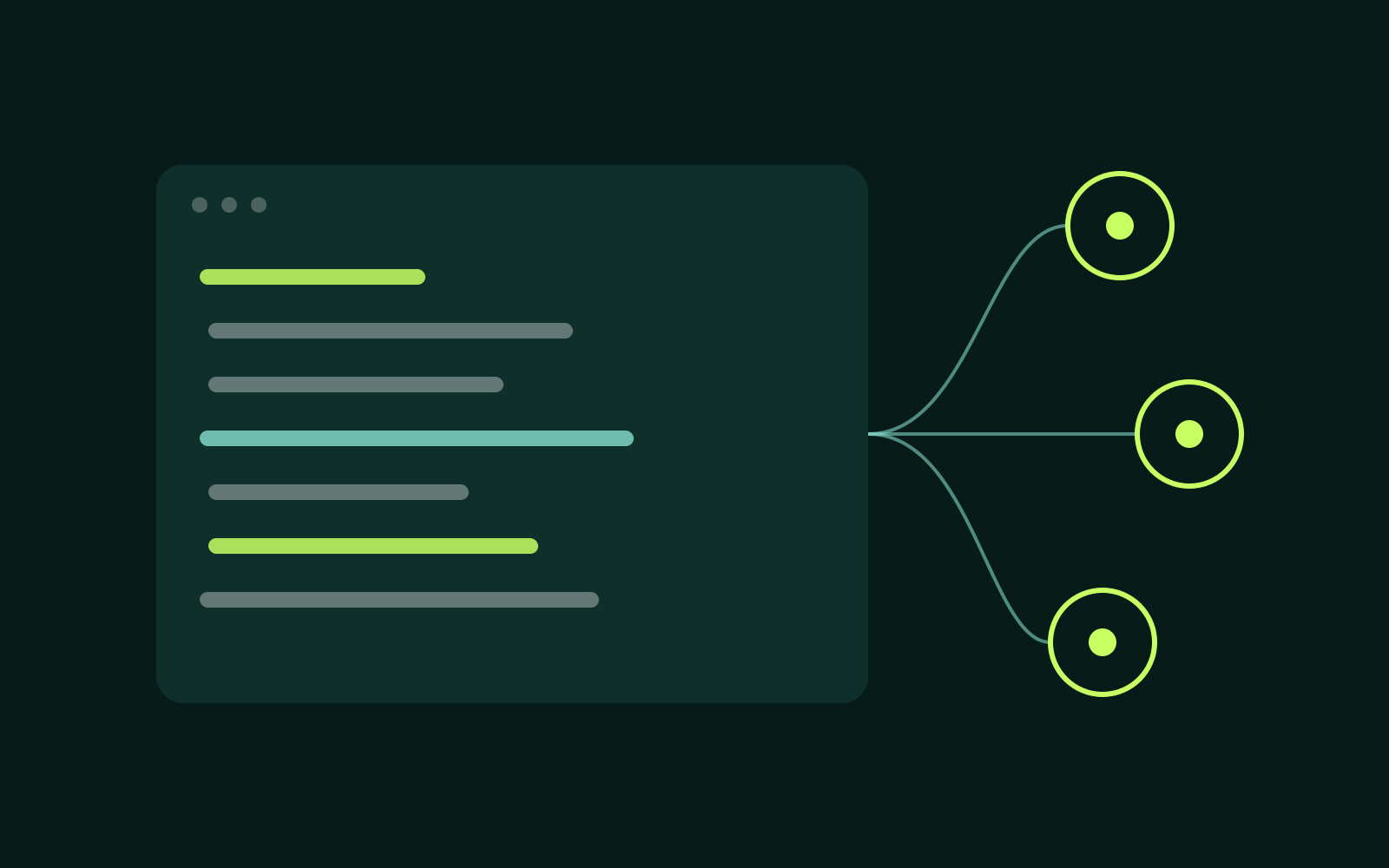
Your Search Console history is now available to any tool that speaks the Model Context Protocol. Point Claude, Cursor or your own agent at the QueryDeck MCP server and ask questions in plain language. Answers come from your stored data and cite their sources.
TL;DR: Create an API key, add the server to your client config, and your agent can query performance, opportunities and annotations.
1. Connect in one line
npx @querydeck/mcp --key qd_live_••••The server exposes read-only tools by default. Write tools, such as adding an annotation, need a key with write scope.
2. What the agent can use
performance.query: clicks, impressions, CTR and position by page, query or date.opportunities.list: the ranked opportunity deck with its evidence.annotations.listandannotations.create: your timeline of changes.
3. Limits and safety
Each key belongs to one organisation, so an agent can never read another client's data. Calls count toward your plan's API allowance, and every call shows up in the audit log.
Create a key from the developer page.